Descript Review
Edit video & audio as easily as a doc with Descript – the AI-powered editor for content creators.
Pricing Last Verified: 02/13/2026
At-a-Glance
Pricing Model: Freemium
Starting Price: 16 USD/month
Free Plan: Yes
Free Trial: No
Descript Pricing Details
Quick Take
- Edit video like a document — Descript turns text edits into seamless cuts.
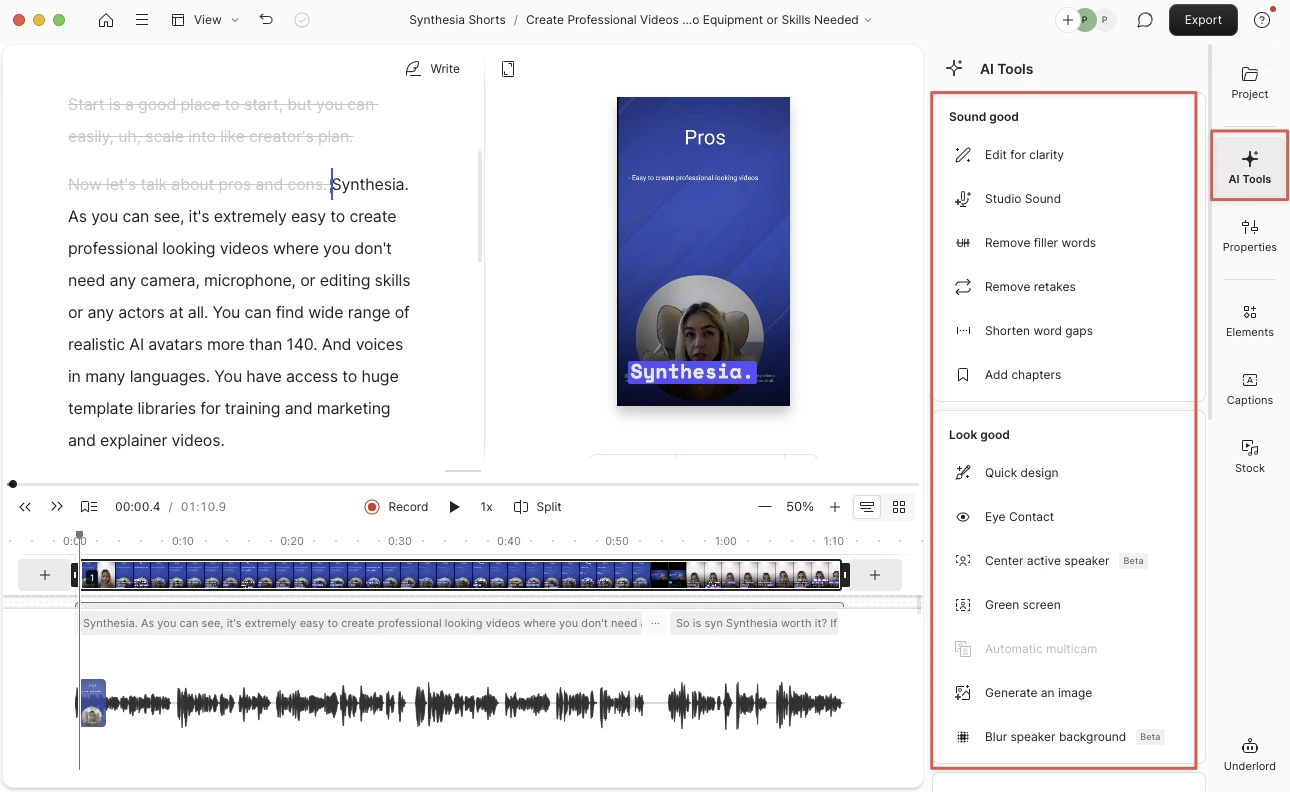
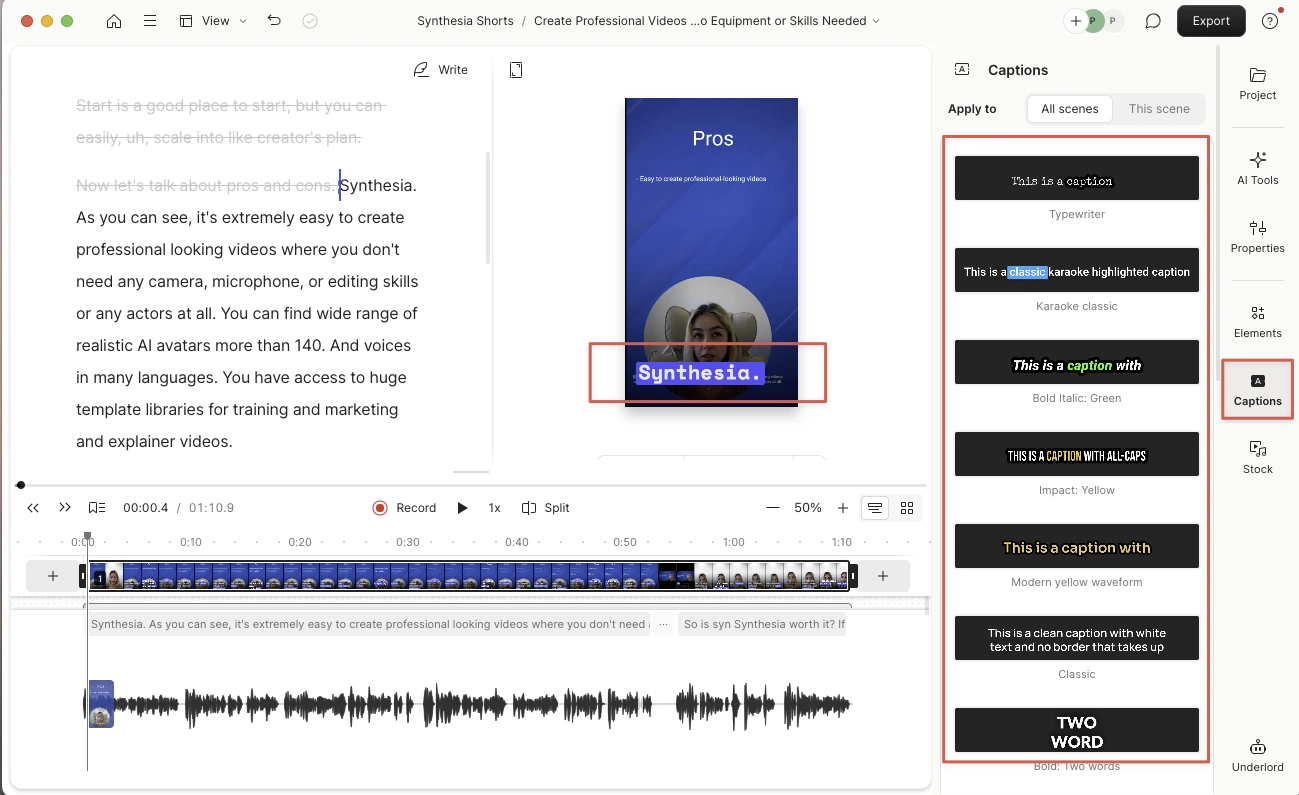
- AI tools clean filler words, clone your voice, and auto-caption in seconds.
- Powerful for creators and podcasters, though “auto gap” and room-tone tools can act up.
- Not for cinematic editing — but for 90% of everyday workflows, it’s pure time magic.
Descript Verdict
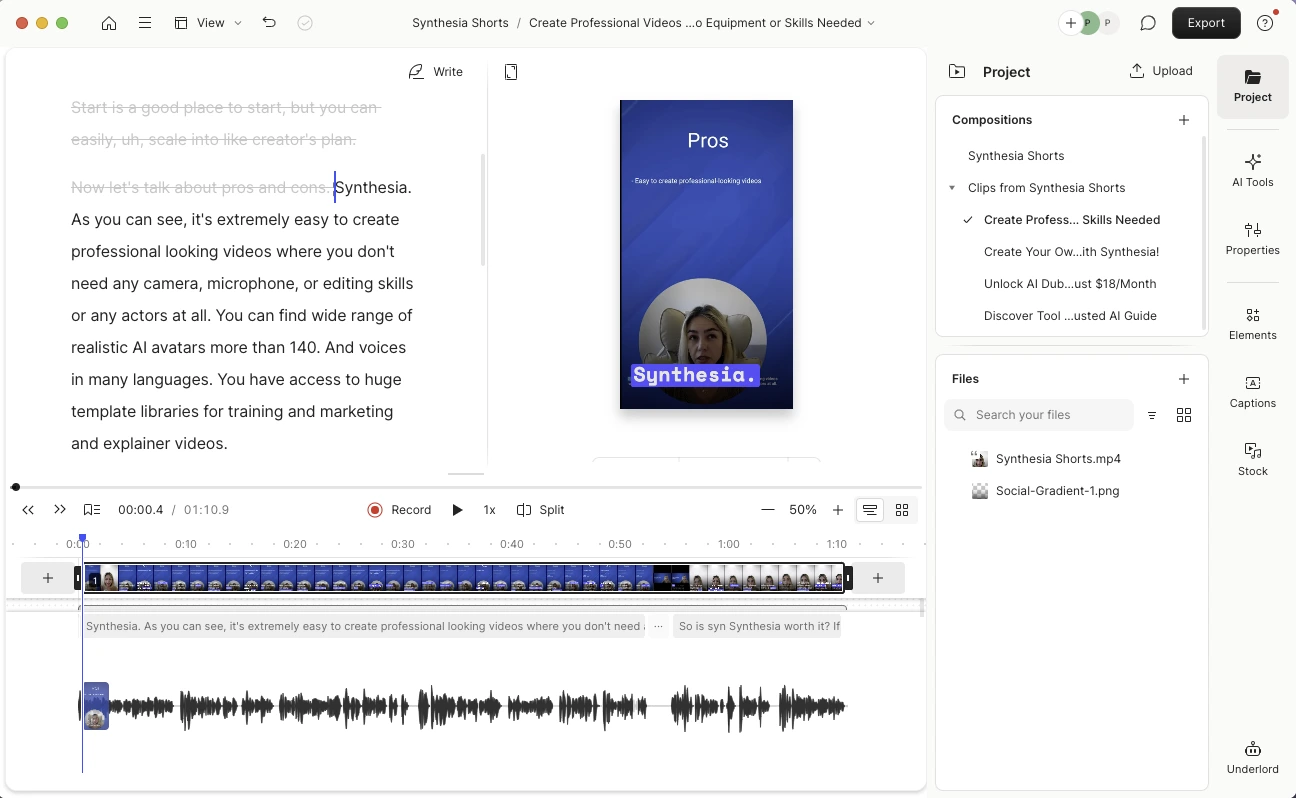
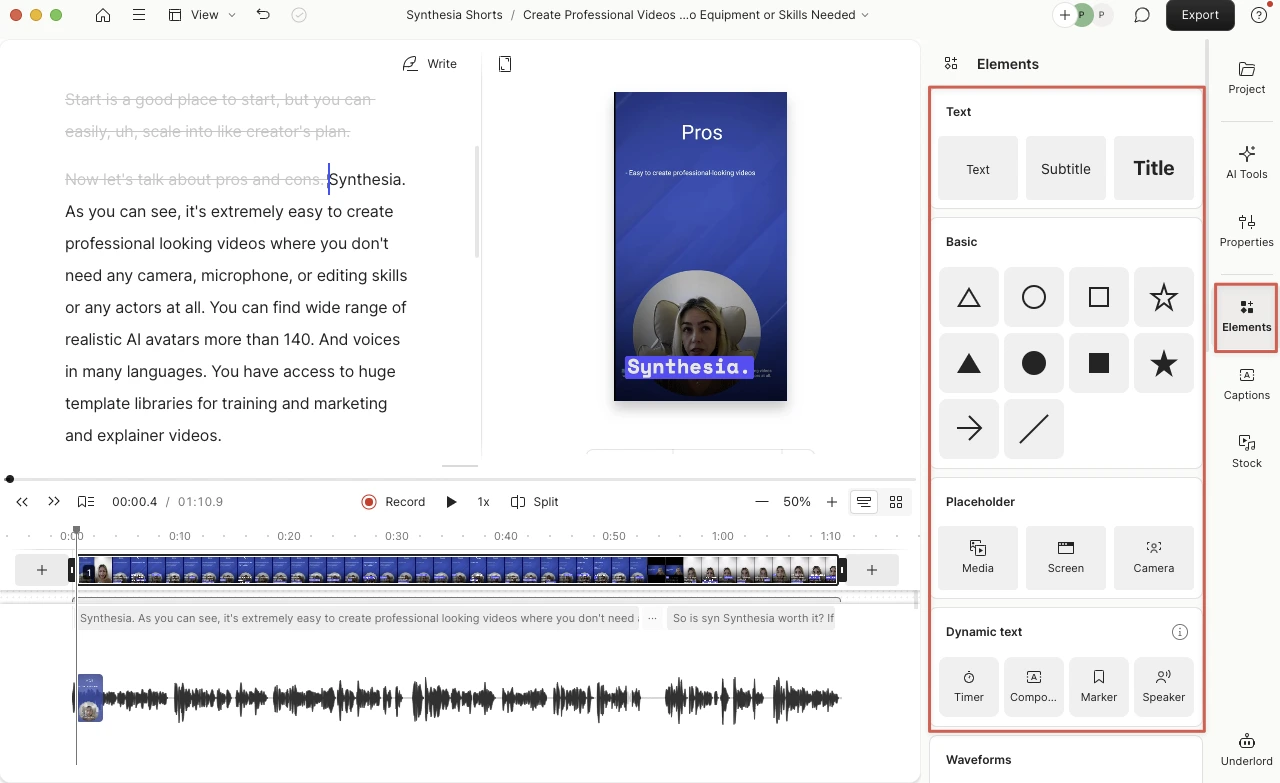
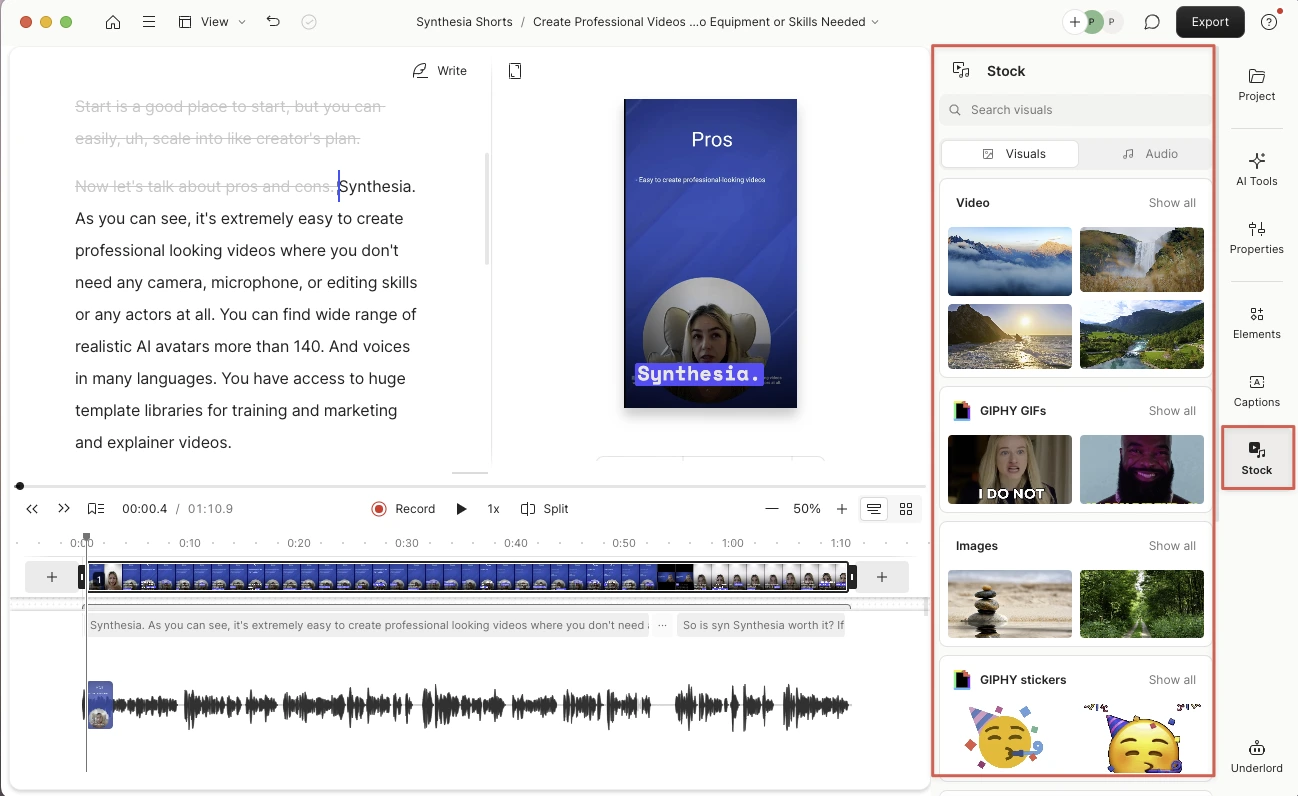
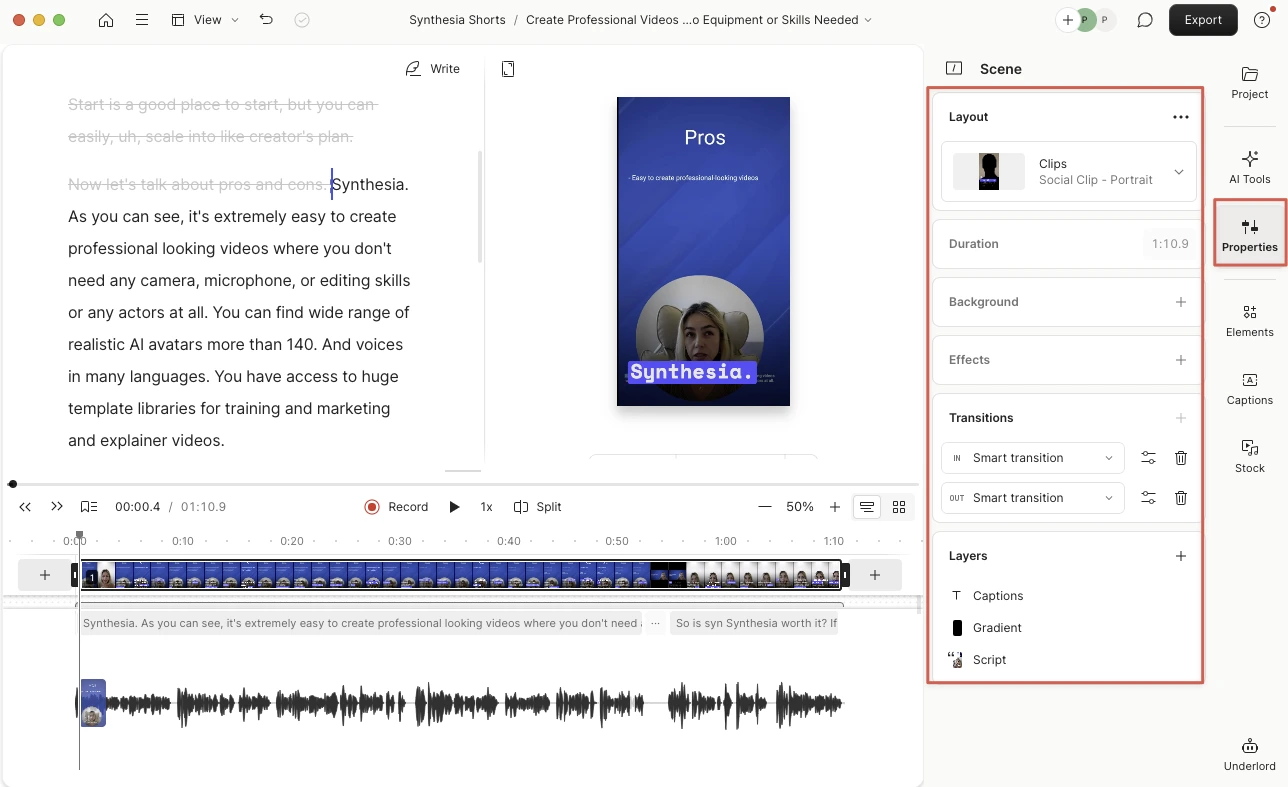
Descript isn’t just another video editor — it’s a completely different way to think about editing. When I used it to edit my Synthesia review, every trim, pause, and voice correction happened right inside Descript, and that real-world test showed me both how powerful and how imperfect this tool can be. What makes Descript stand out is its text-based editing — you literally edit your video by editing the transcript. For anyone new to video production or tired of scrubbing through timelines, this feels almost magical. Removing filler words or shortening awkward pauses takes seconds, and tools like Shorten Word Gaps or Remove Filler Words work shockingly well — as long as you review your edits carefully. (Descript’s AI can be a little too enthusiastic and sometimes trims more than you want.) Another strength is multilayer editing. Like Photoshop for video, you can stack elements — text, shapes, clips, and captions — and move them independently. It’s perfect for creators layering tutorials, demos, or explainer visuals. The Compositions feature is equally brilliant for keeping long projects organized. Breaking a big video into smaller sections — intros, demos, verdicts — makes editing feel clean and manageable instead of chaotic. Descript also includes clever AI helpers like Overdub, which lets you fix a line by typing new words and having the app recreate your voice. It’s genuinely impressive for short corrections, though still a bit robotic for longer sentences. And while tools like Room Tone are meant to smooth out silent gaps, they can sometimes introduce unwanted hiss — easy to fix once you know where the setting lives, but confusing at first. Performance-wise, Descript runs beautifully on small and mid-sized projects but can slow down when juggling multiple HD layers or long exports. A full eight-minute video took around 40 minutes to render in my testing. It’s not designed for heavy cinematic work, and that’s okay — it doesn’t try to be. This is an AI-powered workspace for fast, story-driven editing, not a full-fledged post-production suite. Overall, Descript shines for YouTubers, educators, podcasters, and anyone producing AI-assisted content. It simplifies editing, speeds up repetitive tasks, and makes collaboration easy — teammates can comment or edit live, just like in Google Docs. It’s a tool that saves time, reduces friction, and genuinely makes editing feel accessible. Descript isn’t flawless: the Overdub voice model still sounds slightly synthetic, large projects can lag, and the cloud reliance can be frustrating on weak internet connections. But even with those quirks, it’s one of the most creator-friendly AI tools I’ve tested. Verdict: Descript redefines editing for people who think in words instead of timelines. It’s fast, intuitive, and surprisingly fun. For creators working with tutorials, explainers, or AI-generated videos, it’s a must-try — not because it’s perfect, but because it makes editing feel human again.
-
Descript vs Synthesia
Add to Compare
-

Veed vs Descript
Add to Compare
What to Watch Out For
-
Export presets may look overly compressed
Some users report that default export settings can yield noticeably compressed video output unless bitrate/quality parameters are manually adjusted. One firsthand review also flags stability hiccups during longer renders alongside the quality concerns.
Why it Matters
If final image quality is critical, you may need to validate and tweak export presets or finish in a dedicated NLE to control bitrate/codec settings.
-
Cloud reliance: limited offline workflows
Descript’s key capabilities—transcription, AI cleanup, and cloud project sync—depend on a stable internet connection; offline functionality is limited. Third‑party reviewers specifically call out the need for reliable connectivity to use the app effectively.
Why it Matters
If you work on the go or in low‑bandwidth environments, plan around connectivity or consider a workflow/tool that supports fully offline editing.
-
Discounted Non‑profit/Education seats (Oct 2025)
As of Oct 2025, Descript offers a Non‑Profit and Education subscription at $12 per Editor/month (paid monthly) or $8 per Editor/month (paid annually). Eligibility is application‑based, with documented criteria on who qualifies and how to apply.
Why it Matters
Eligible orgs can materially reduce seat costs versus standard tiers, which can shift total cost‑of‑ownership for teams on tight budgets.
These insights are drawn from publicly available reviews and user feedback to highlight potential issues real users have reported.
Descript Pros
Descript Cons
Honest Descript Review – What You Need to Know Before You Start
Descript review: Descript is an all-in-one audio and video editing software that makes editing as simple as editing a document. Geared toward content creators, marketers, and SMBs, it uses AI to automatically transcribe recordings and enable text-based editing – you edit your video or podcast by editing the transcript. Descript integrates advanced features like Overdub (AI voice cloning to dub or correct audio), Studio Sound (one-click noise and echo removal), and even AI-generated video avatars and visual effects. With Descript, creators can record, transcribe, edit, collaborate, and publish content much faster, without needing professional editing expertise.
Descript Review (Video Walkthrough)
Video chapters
- 00:00 – Intro
- 00:31 – Text-based Editing: How Word Gap Removal really works and when it over-trims
- 03:21 – Room Tone Removal: Fixing static and hiss from the Room Tone feature
- 04:21 – Multi-layer Editing: Managing multi-layer audio & video clips
- 05:27 – When to edit in transcript vs timeline view
- 06:23 – Using Compositions to organize large projects
- 07:01 – Short clips
- 09:38 – Overdub demo: AI voice correction and realism limits
- 11:11 – Full Pros, Cons & Verdict for 2025
Descript Features & Capabilities
Inside Descript
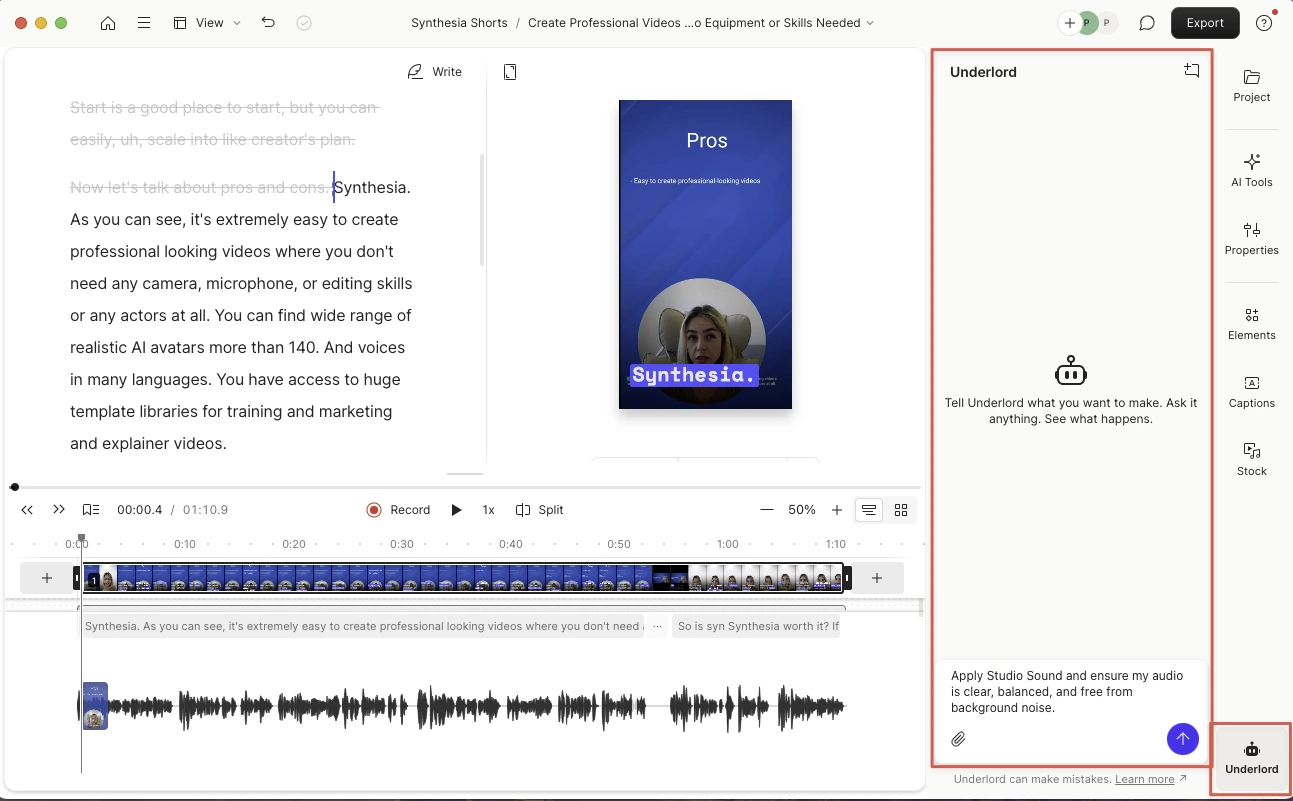
Descript Use Cases
Descript Is Ideal For
Descript Alternatives
-
Reviewed
Video Verified
Synthesia pricing and plan limits—AI avatars, languages, export quality, and commercial use explained below.
Pricing Model:
Freemium
Starts at:
18 USD